
Name-Based Case Searches
Begin at the Kansas District Court Public Access Portal. Accept the terms and pick Smart Search. Enter a person as last name, comma, first name. Spelling unsure? The official guide permits an asterisk as a wildcard when the full name is uncertain. Businesses get their own entry method, so use the Business Name option instead of forcing a company into the first-name and last-name fields. "Sounds Like" is a separate choice that widens the net, so review each match with care before trusting it.
- Choose the party search and enter the narrowest reliable name.
- Set Location to Stafford County before reviewing common-name results.
- Add a date of birth or filed-date range only when it is known and appropriate.
- Open a likely match and compare its case number, type, status, and parties.
- Ask the District Court clerk about an expected case that remains absent.
Advanced party fields include KBI number, sheriff-office number, and booking number. Use them only when an existing record supplies the value, and never guess or publish sensitive identifiers.
Stafford County Search Precision
The Location filter is one of the best defenses against a false match. Stafford sits in the five-county 20th Judicial District with Barton, Ellsworth, Rice, and Russell counties. Yet its District Court file stays with the Stafford clerk. A judge or district administrator may keep an office elsewhere in the district. That does not move the file to that county.
Search first with the exact facts you hold. No result? Remove one filter at a time. Check the punctuation and reverse the name order. Then test a wildcard, and confirm that Stafford County is selected. Then consider whether the matter was filed in a municipal court, federal court, or another Kansas county. Those are different custodians, not missing branches of one Stafford database.
Case Number Searches
A case number beats a common name for precision. Newer Odyssey cases use a county prefix, year, case-type code, and sequence. A Stafford example takes the form SF-2026-CR-000001. Enter the full number when you can. Copied from a notice? Keep the hyphens and leading zeros while testing the portal's accepted format.
The 20th Judicial District moved onto its Odyssey track in 2022. Older paper indexes can use a prior numbering style. An old probate or civil reference may not fit the new SF pattern. A failed format test does not prove the record is gone. Give the clerk the names, approximate year, record type, and old reference exactly as found.
Smart Search Is Not eFlex
The Kansas Court eFiling System, branded eFlex, is an authorized filing portal. It is not the public docket-search screen. Lawyers and approved filers submit documents through it. Members of the public turn to Smart Search to locate eligible case information. The official eFlex login illustrates that separate filing role:
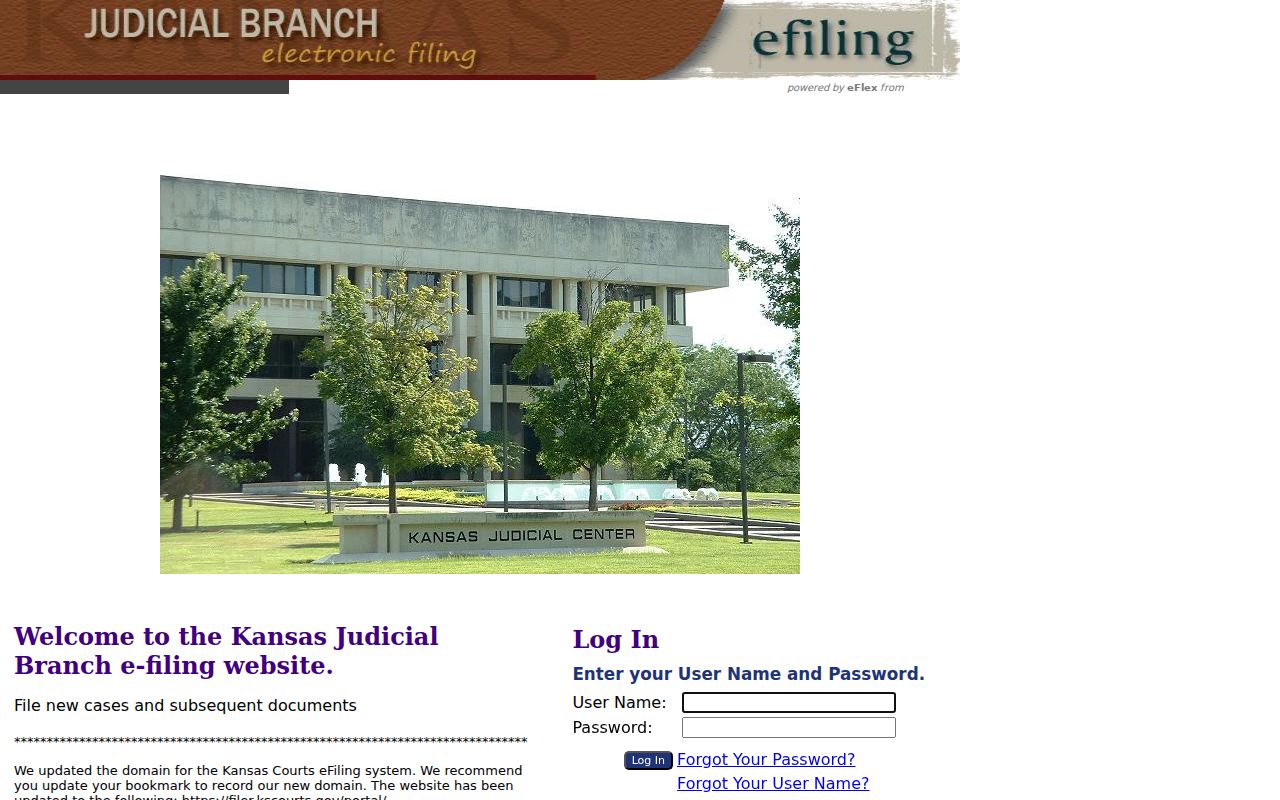
This separation matters when a court notice says "eFile." Filing access does not grant broader public viewing rights. A portal account cannot override a sealed or restricted record either.
Case Search Results Explained
Think of a result as a locator. It can identify the court, case number, caption or party listing, case type, filed date, status, judicial assignment, and a chronological events index. An event may show that a filing, order, hearing, or disposition was entered without putting the underlying document on the web.
- Events index
- The chronological list of filings, actions, and events defined by Kansas Rule 21.
- Case status
- A broad open, closed, pending, or disposed label, not a summary of every order.
- Setting
- A scheduled court event, which should be confirmed with the current docket or clerk.
- Disposition
- The recorded resolution of a claim, charge, or case stage.
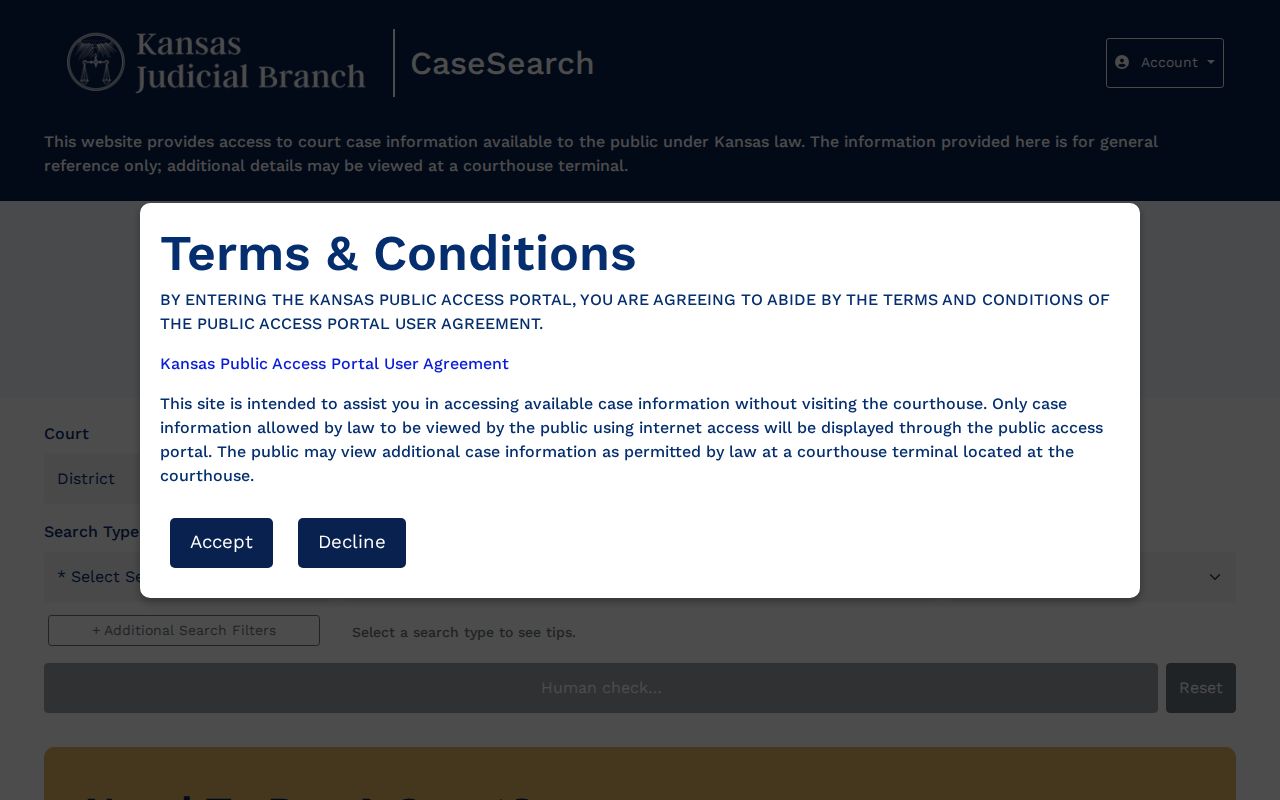
Searchers first encounter a page of fields, filters, consent language, and a public-record disclaimer. The official production search interface presents the public face of the docket search.
Stafford County Portal Result Limits
Online and courthouse access are not identical. Kansas Rule 22 sets different public access levels for the web portal and the courthouse terminals. A March 2025 Judicial Branch update also explains that some converted documents from before Odyssey may sit on a courthouse kiosk. Those same files stay absent online. That makes the terminal a useful second stop for an event with no linked image.
Portal entries change as the court adds or corrects information. Record the case number and event date. Then request the actual filing if its exact text matters. A plain web result is not a certified copy. For a judgment, order, or other formal proof, use the Stafford County court case records process.
Two Ways to Search: County and State
Stafford has no separate county-run online District Court portal. The statewide Smart Search is the online route. The local clerk and courthouse terminal form the county route.
| Statewide Smart Search | Stafford County Access |
|---|---|
| Searches eligible Kansas District Court case information | Focuses on the file maintained in Stafford County |
| Best for a name, case number, filters, and events index | Best for documents, older indexes, terminal access, and certification |
| Available through the public web interface | Available by phone, at the clerk counter, and through a record request |
| Does not replace a municipal or federal portal | Does not hold city ordinance or federal case files |
The Stafford District Court clerk is Judy Lyon. Her office sits on the third floor of the Stafford County Courthouse, 209 N Broadway, St. John, Kansas 67576. Call (620) 549-3295 for case and setting questions. Published office hours are 8:00 a.m. to noon and 1:00 p.m. to 5:00 p.m., Monday through Friday.
Stafford City Tickets Search Separately
A blank result does not always mean no case exists. St. John and Stafford run their own municipal courts for city ordinance and traffic matters. Those dockets sit outside the District Court results. Macksville, Hudson, and Seward post no official online municipal-ticket portal. So check the issuing court first. It is printed on your citation. The citation itself and the city that issued it are your best starting points.
State traffic cases handled in Stafford District Court show up through the state systems. City matters stay with the municipal clerk. They move to District Court only if governing law or ordinance routes them there. The Stafford County traffic court page breaks out both paths in plain terms.
Which Cases Stay Restricted
Public access to a court docket has firm limits. Sealed cases, juvenile records, and expunged matters may be withheld, along with parts of family, protection, or probate files. Kansas Rule 24 also shields personally identifiable information inside filings. A name can appear on the docket while an address, financial account, or medical detail stays hidden.
Never try to beat a restriction with alternate spellings or identifiers. Instead, ask the clerk what portion of the court record is public and whether you need a written request, court order, or proof of authority. K.S.A. 38-2309 governs disclosure of juvenile official files. K.S.A. 21-6614 covers expungement. Your access ultimately depends on the record and your lawful status as a requester.
Fixing a Failed Stafford Search
When a docket search comes back empty, test four possible errors in order. First check format. Use the official case-number pattern or the correct name order. Then remove any date range or a broad “Sounds Like” filter. Next, confirm the case belongs to Stafford District Court. It may sit in a city or federal court instead. Last, consider the record itself. It may be old, sealed, juvenile, or simply unavailable on the public web view of the court docket.
No result is not a legal finding. It may reflect spelling, jurisdiction, conversion history, a restricted case type, or a record that requires clerk assistance.
Older probate research leads back to the District Court clerk, as the county's official genealogy material directs. Local museum and library collections can help pin down a date or a name spelling. They cannot certify a court result.